Every website,
gently dark

Dark mode for Safari on iPhone, iPad and Mac

Download on theApp Store

The web, without the glare.

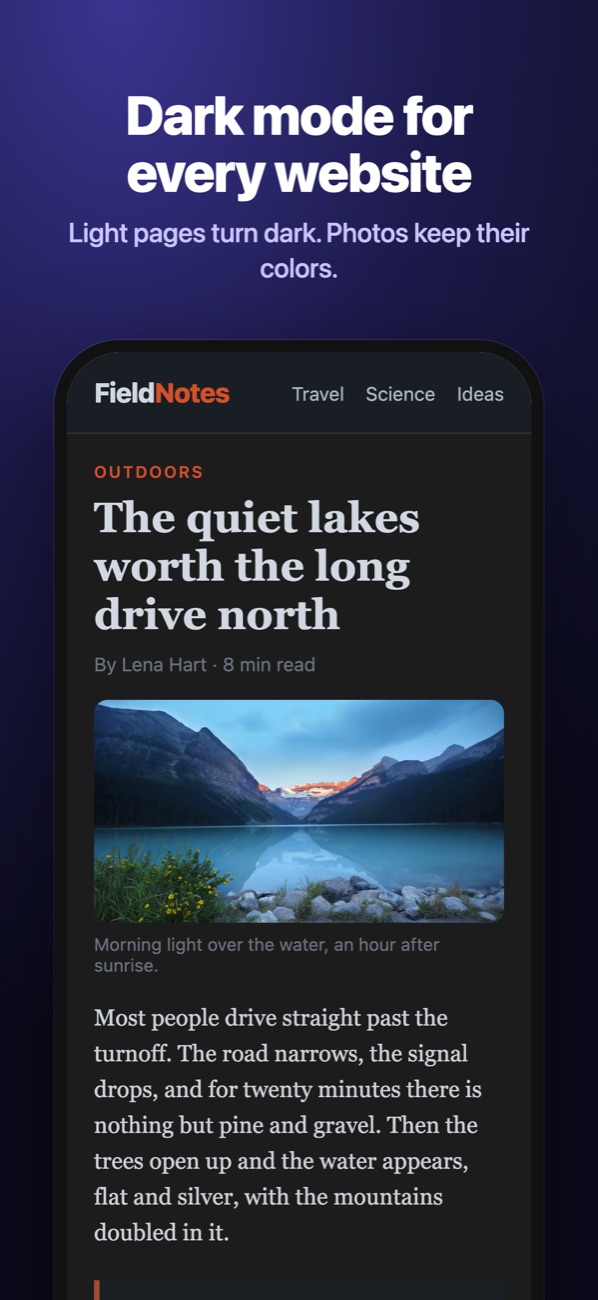
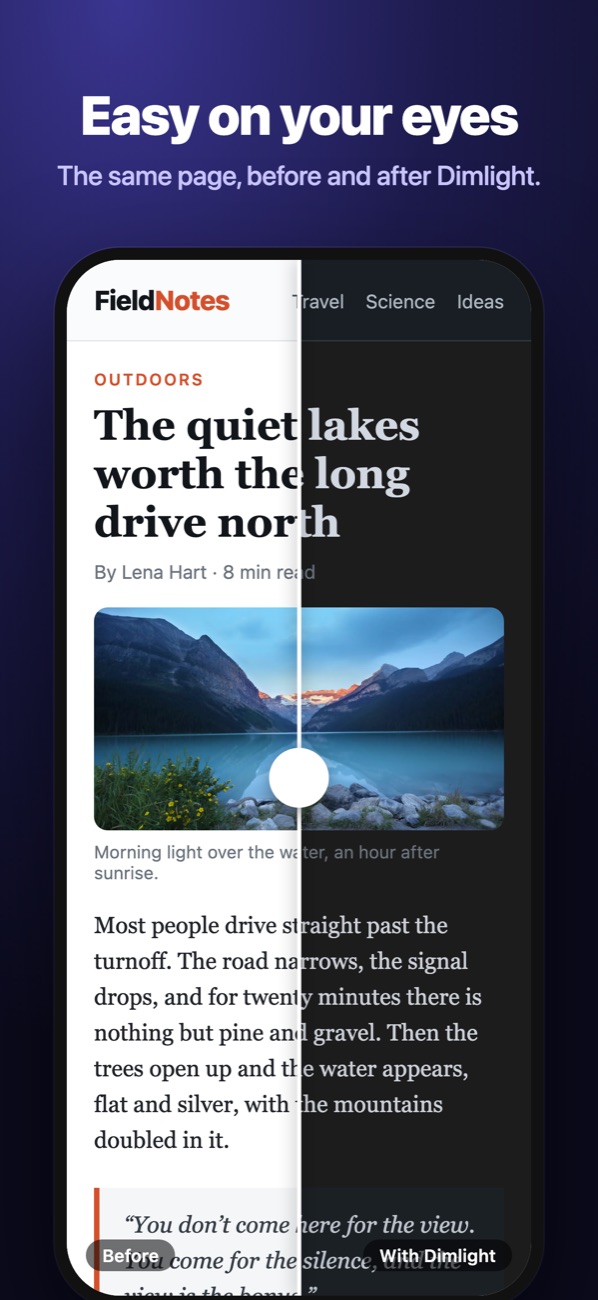
Light backgrounds turn dark and dark text turns light. Photos, videos and logos keep their true colors. Drag across the page to see it.

fieldnotes.example.com
With Dimlight Without
How it works

Three kinds of website. One gentle result.

Dimlight looks at each page before it changes anything, and picks the lightest touch that makes it dark.

i.

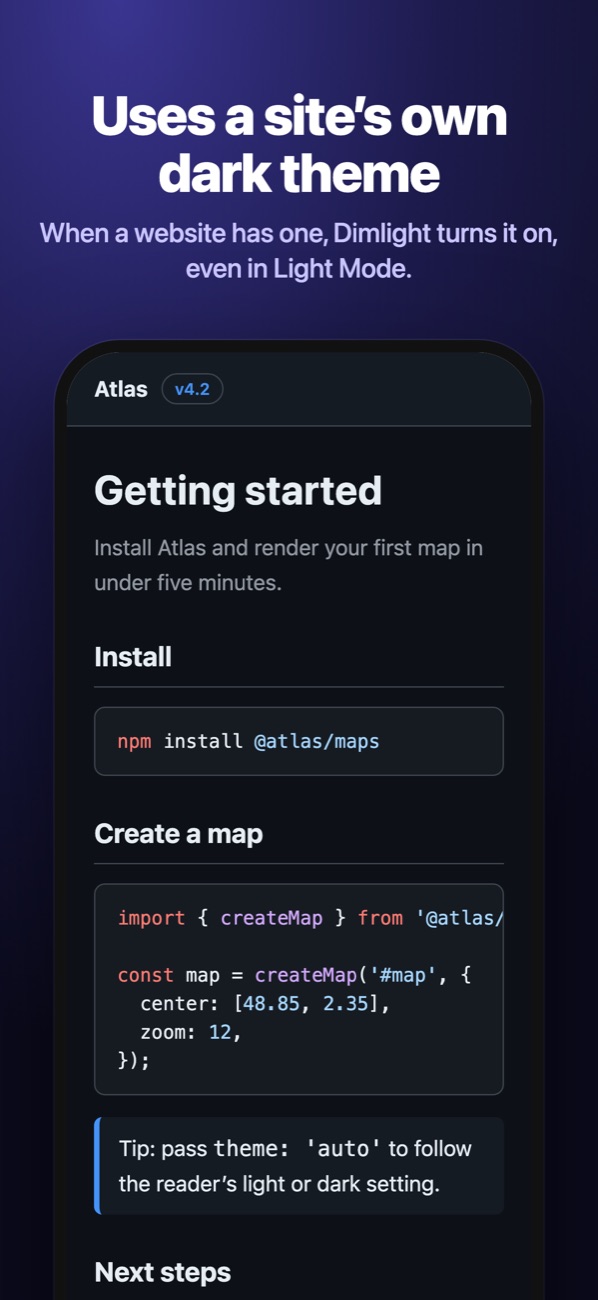
Has a dark theme

Dimlight switches it on, even while your device is in Light Mode.

ii.

No dark theme

Dimlight darkens it for you, and leaves pictures exactly as they were.

iii.

Already dark

Nothing to fix, so nothing is touched. The site looks as its designers made it.

On iPhone

Made for reading at night.

The same Dimlight on iPhone, iPad and Mac, with one download.

Features

Quiet by default. Yours to tune.

Nothing to configure once it’s on. When a website needs something different, the choice is one tap away in Safari. And the dark itself is yours to pick.

Your choice, site by site.

Open Dimlight from Safari and pick Auto, Always dark or Off for the website you’re on. It remembers. Or switch it off everywhere with one tap. Try it here.

True colors.

Pictures are never inverted or tinted. A sunset stays a sunset.

No bright flash.

Dimlight remembers how it handled each website, so your next visit is dark from the first frame.

Private Browsing too.

Allow it once and Dimlight works in Private Browsing just like everywhere else.

$0

Free. Really.

No subscription, no in-app purchases, no ads. One download for iPhone, iPad and Mac.

Dark, the way you like it.

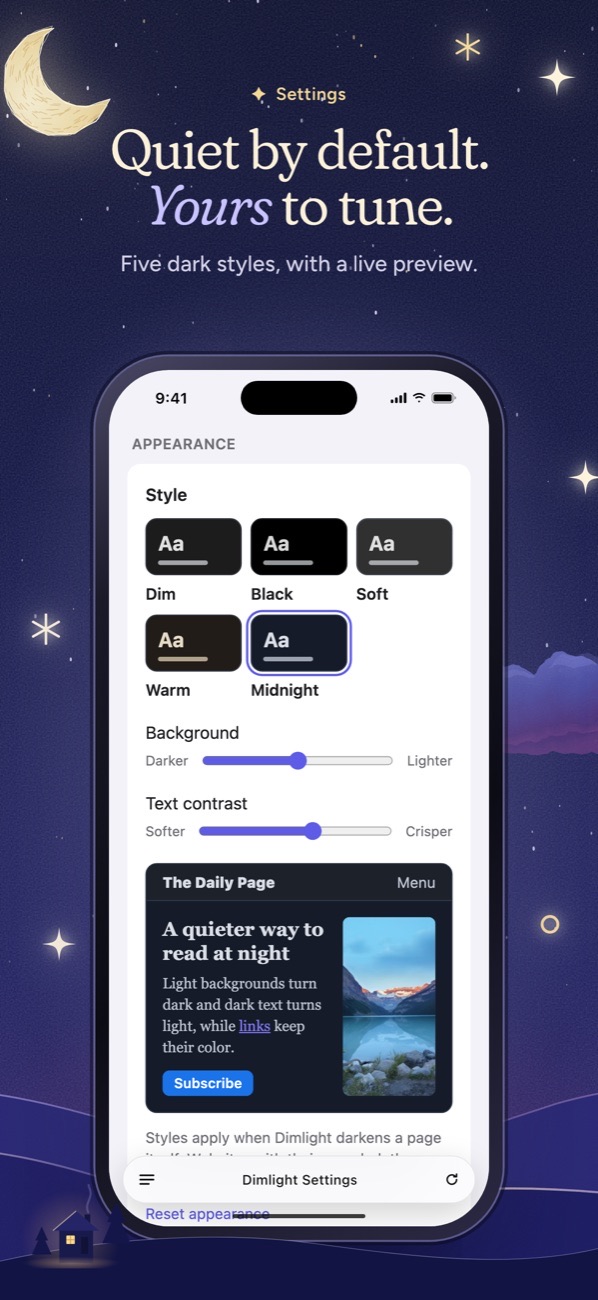
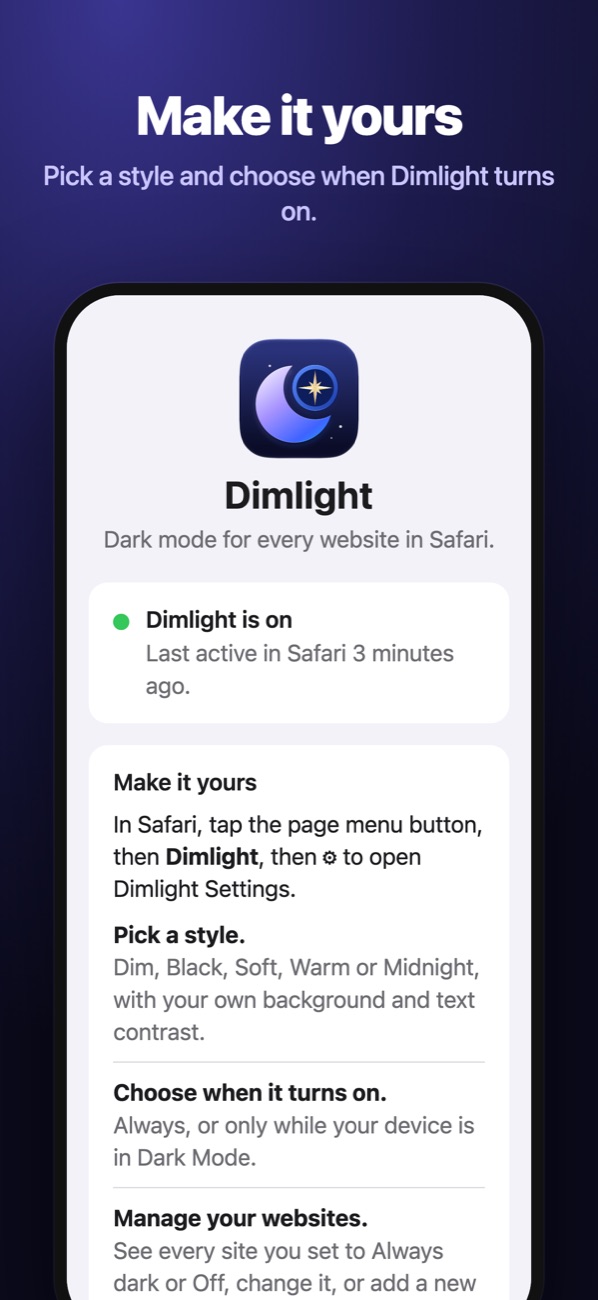
Pick a style in Dimlight Settings: Dim, Black, Soft, Warm or Midnight. Then fine-tune Background darkness and Text contrast. Choose when to darken, too: always, or only while your device is in Dark Mode. Try a style here.

Styles apply to pages Dimlight darkens itself. Websites with their own dark theme keep the colors their designers chose.

Private by design

What you read stays between you and Safari.

Dimlight works entirely on your device. It never collects or sends anything about the websites you visit.

No account No analytics No ads No servers
Read the privacy policy
Help

Set up in under a minute.

Safari keeps new extensions off until you allow them. Here’s where to find the switch.

Turn on Dimlight

  1. Open Settings › Apps › Safari › Extensions.On iOS 17: Settings › Safari › Extensions.
  2. Tap Dimlight and turn on Allow Extension.
  3. Under Permissions, set All Websites to Allow.
A website looks wrong. What can I do?

Open Dimlight from Safari (the page menu on iPhone and iPad, the toolbar button on Mac) and choose Off for that website. Dimlight remembers the choice. Please also report the website so it can be fixed.

A website isn’t dark.

Reload the page. If it still isn’t dark, check that Dimlight is allowed on that website in Safari’s extension settings, or choose Always dark for it.

Does Dimlight work in Private Browsing?

Yes, once you allow it: turn on Allow in Private Browsing in Dimlight’s extension settings.

Why does Dimlight need access to every website?

To change a page’s colors, Safari has to let Dimlight work on that page. Dimlight doesn’t collect, store or send anything about the pages you visit. See the privacy policy.

Dimlight stopped working the next day.

Safari probably was told to Allow for One Day. Open Safari’s extension settings again and choose Allow (iPhone and iPad) or Always Allow on Every Website (Mac), so Dimlight stays on.

Does Dimlight work in Chrome or Firefox?

No. Dimlight is a Safari extension for iPhone, iPad and Mac. It doesn’t work in other browsers or on Android or Windows.

How can I help?

Dimlight is free and made by one person. If it makes your evenings easier, an honest rating on the App Store helps other people find it. Telling a friend works too.

Still need help?Open an issue and describe what happened, with the website’s address if a page looks wrong. Replies usually come within two working days.

Open an issue on GitHub

Rest your eyes tonight.

Free on the App Store for iPhone, iPad and Mac.

Download on theApp Store